Search system logs across your entire fleet.
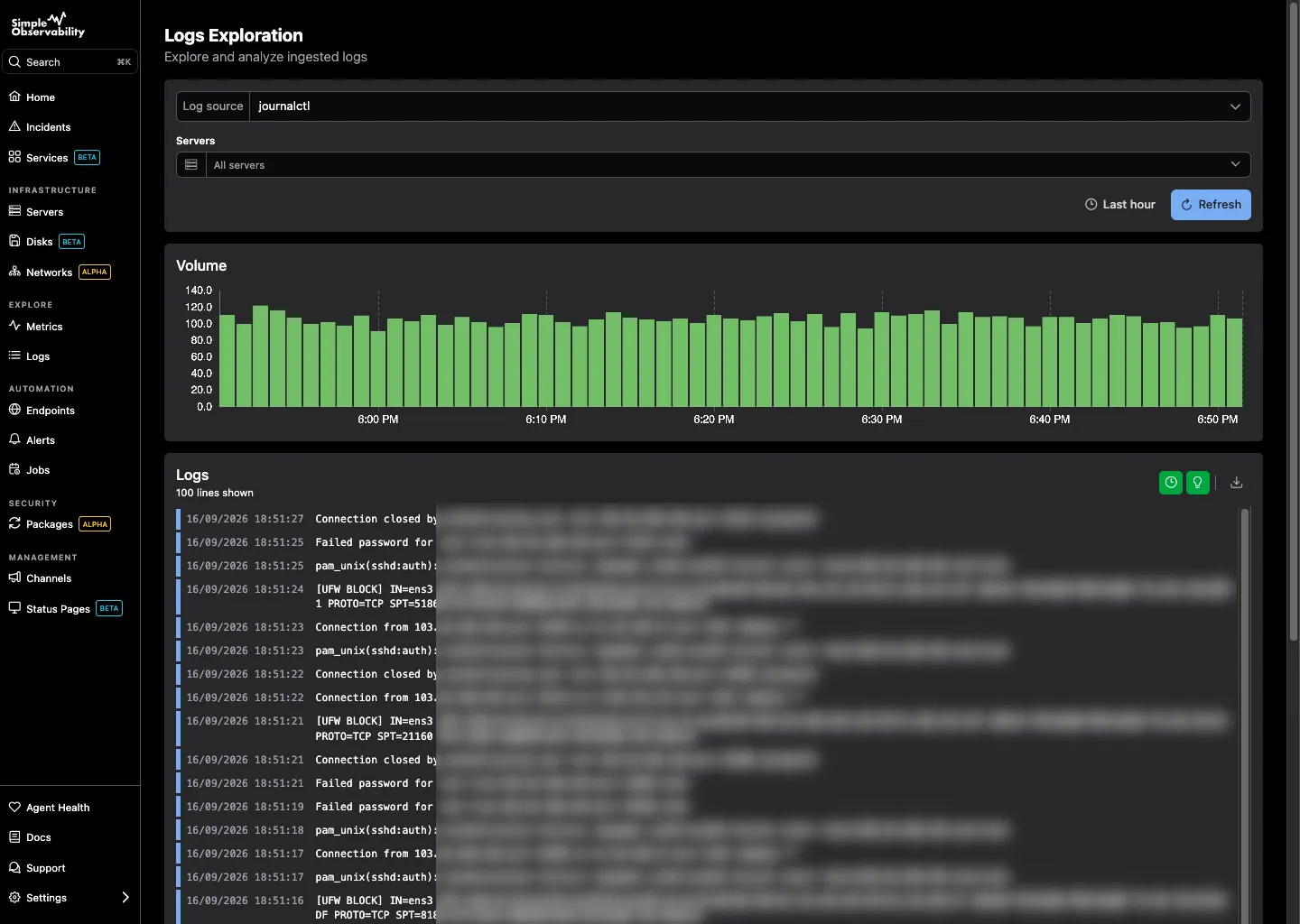
Centralize system logs from every server and search them together in a single web interface. The agent reads Journalctl on Linux and Windows Events natively, so logs land next to your metrics the moment a host connects. No pipeline to build, no extra storage to manage.
No credit card required
System logs search and filtering
Features

System logs without the pipeline

Everything you need to read, search, and filter Journalctl and Windows Events across every server, with nothing to set up.

Journalctl and Windows Events
The agent reads the systemd journal on Linux and Windows Event logs natively. Both sources land in the same view, normalized and ready to search.
Centralized search
Query every server at once with free-text search. Narrow by host, severity, service, or time range to find the line that explains an outage.
Fleet-wide filtering
Filter across the whole fleet in one click. Combine host, unit, priority, and time filters to cut noise and surface what matters.
Next to your metrics
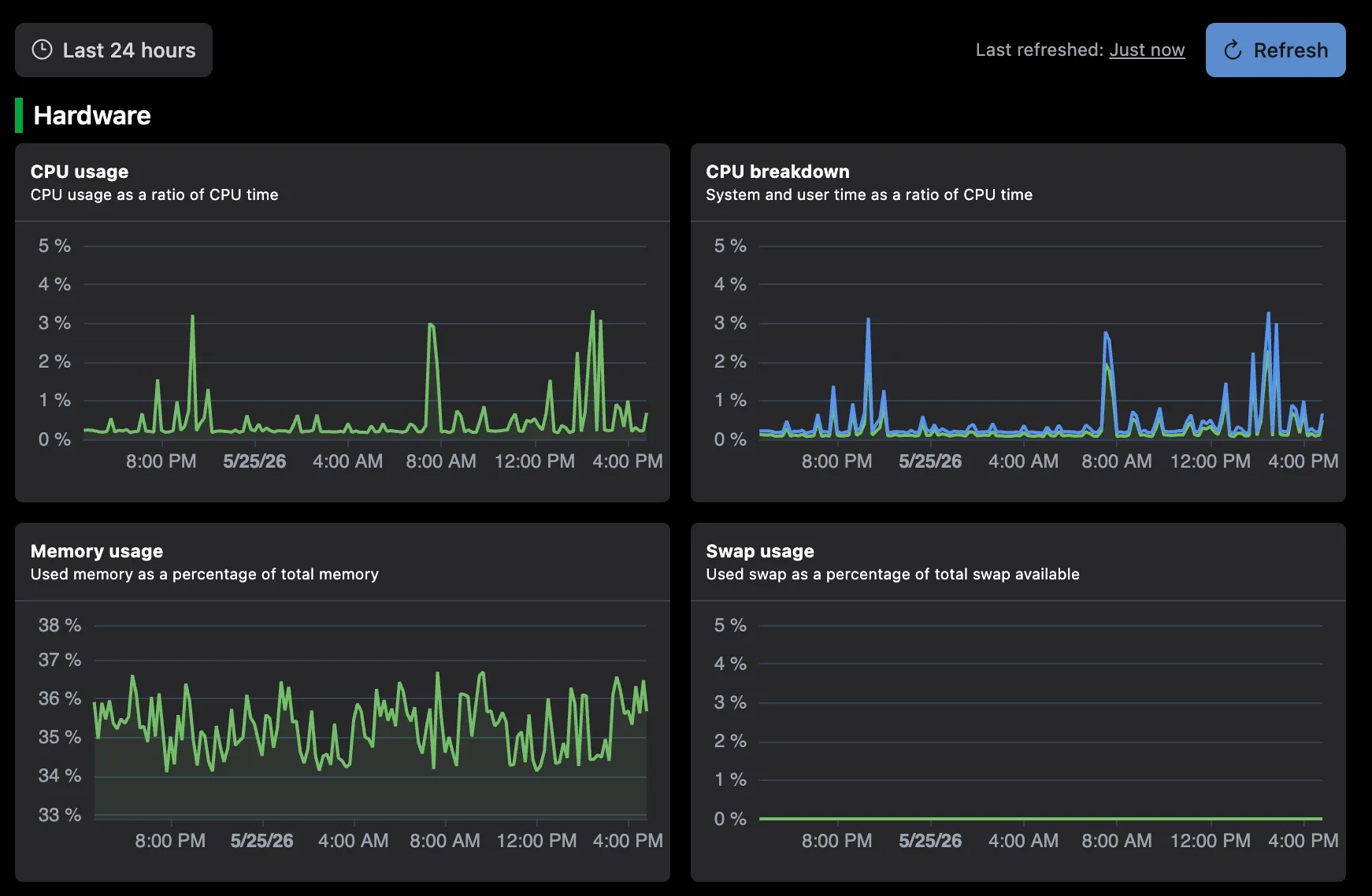
Logs sit right beside the charts for the same host. Jump from a CPU spike to the matching journal line without switching tools.
Alerts on log content
Trigger alerts when a string appears or a severity spikes. Get notified in Slack, Discord, or email the moment a critical event is logged.
Zero pipeline
No log pipeline to build or scale. The agent forwards system logs outbound over HTTPS, and they are searchable the moment they arrive.
Setup

Start collecting logs in one command

Run a single command on each server. The agent registers itself and starts forwarding Journalctl and Windows Events over HTTPS. Logs become searchable within the first minute, with nothing to configure.

Linux
curl -fsSL https://simpleobservability.com/install.sh | sudo bash -s -- <SERVER KEY>
Windows
.\install.ps1 -ApiKey <SERVER KEY>

Frequently Asked Questions

Which system logs does Simple Observability collect?
On Linux, the agent reads the systemd journal (journalctl), which covers kernel messages, service output, and most user-space logs. On Windows, it collects Event logs from the System, Application, and Security channels. Both sources are normalized and searchable from the same interface.
Can I search logs across my whole fleet at once?
Yes. A single query runs against every server you monitor, then you filter by host, severity, unit, or time range. You do not need to know which machine logged an event before you start searching.
Do I need to set up a log pipeline or storage?
No. The agent forwards system logs outbound over HTTPS, and the hosted backend handles indexing, retention, and search. There is no Fluent Bit, Loki, or Elasticsearch for you to deploy, tune, or scale.
How fresh are the logs I see?
The agent streams new journal entries and Windows Events as they arrive, so the search view reflects your fleet within seconds to a minute. History is retained per your plan, so you can search past incidents as well.
Can I get alerted when a specific log appears?
Yes. Create a rule that fires when a string or severity shows up in your logs. Alerts route to Slack, Discord, or email, so you hear about critical events without watching the log view.

Search your fleet's logs in minutes

Install the agent on each server and start searching Journalctl and Windows Events from one place. No pipelines, no extra storage, no config files.

No credit card required
Instant setup